

Your No-Fluff, Easy Guide to Creating & Protecting Strong Passwords
“Passwords are like toothbrushes. Don’t share them, and change them regularly.”
In a world where cybercrime is on the rise, your password is your first—and often only—line of defense against hackers. From your bank account to your Netflix login, passwords unlock your digital life.
But here’s the kicker: most people have over 85 passwords (yes, you read that right!)—yet still rely on weak, easy-to-guess codes like 123456, qwerty, or even… password.
Let’s change that today.
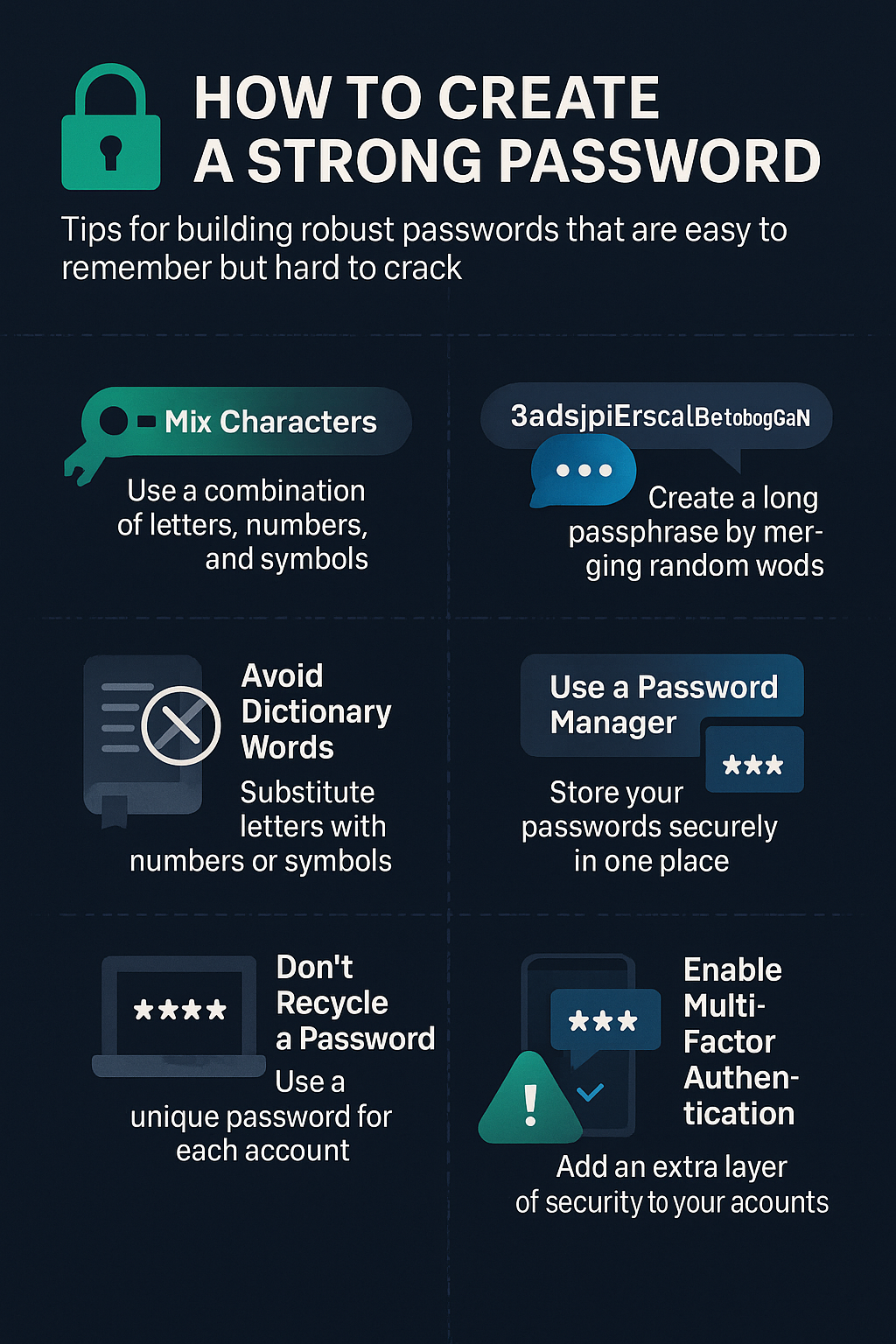
Why Strong Passwords Matter
Weak passwords are one of the top causes of identity theft, financial fraud, and data breaches. Hackers now use sophisticated techniques like brute force attacks and dictionary assaults to crack passwords in seconds. Protecting your online identity starts with a well-crafted password.
Quick Tips: How to Create a Strong Password
- Use a Phrase, Not a Word Turn a sentence into a password by using the first letter of each word.
- Example: “I am going home today” → IAght/23#@Hm
- Get Creative with Your Keyboard Use patterns, initials, or visual shapes on your keyboard.
- Try your initials in a zigzag pattern or recreate your favorite constellation.
- Avoid Personal Details Don’t use names, birthdays, or emotional triggers. These are easy to guess for someone who knows you.
- Try the PAO Method (Person-Action-Object) Combine three nouns into a mini-story.
- Example: Elon Musk driving a Tesla Model 3 → EloMudrivTM3
- Use Phonetic Passwords Choose passwords that sound like phrases.
- Example: mrRui12GMT = “Mr. Ruir 12 G.M.T”
- The Electrum Method Use a random 12-word seed phrase. Great for crypto wallets and extreme password protection.
- Example: “Fox Jump Sky Magnet River Tree Code Brick Sun Flow” (avoid real phrases!)
Follow the “8-4 Rule” for Stronger Security
- 8: Minimum of 8 characters
- 4: Include 1 uppercase letter, 1 lowercase letter, 1 number, and 1 special symbol
Example: BoA&172b is short but meets the rule. For extra safety, aim for 12+ characters.
Common Password Mistakes
- Using names or dates (e.g., John1985)
- Using “123456” or “qwerty”
- Short passwords
- Reusing the same password across multiple sites
If any of your current passwords fall into these traps, it’s time to change them!
How Hackers Steal Your Passwords
- Brute Force Attacks
- Try every combination possible using automated scripts.
- Anything under 12 characters is at risk.
- Dictionary Attacks
- Run through common words and phrases.
- Simple passwords like “sunshine123” don’t stand a chance.
- Phishing
- Emails, calls, or texts trick you into giving away login info.
- Always double-check links and never share passwords by phone or email.
How to Make Passwords Easy to Remember
- Use your favorite lyrics, quotes, or jokes.
- Mix unrelated words like “elephantSalsaBanana42!”
- Create visual keyboard patterns
Password Security Best Practices
- Use a Password Manager
- Tools like Dashlane, LastPass, Keeper, or NordPass store your passwords safely.
- Enable Multi-Factor Authentication (MFA)
- Adds an extra layer (like a fingerprint or app-generated code)
- Avoid SMS for MFA
- Use apps like Google Authenticator or Authy instead
- Be Wary of Public Wi-Fi
- Always use a VPN to encrypt your connection
- Change Passwords Regularly
- Especially for email, banking, and shopping accounts
- Update Your Software
- Keep devices and antivirus software up-to-date to avoid vulnerabilities
Final Thoughts: Stay Ahead of Cybercriminals
Strong passwords aren’t just tech advice — they’re a digital survival skill. The more effort you put into protecting your logins now, the fewer regrets you’ll have later.
So take a moment. Update your passwords. Use the tools available. And spread the word to friends and family.
Security isn’t about fear. It’s about being prepared.
Stay Safe. Stay Secure. Stay Strong.
Need more tips? Bookmark this page or share it with someone who still uses “password123”.
0 comments